SAMPLE AND DEMONSTRATION ONLY. Illustrative analysis of publicly available information, prepared by BI Consulting Services. Not affiliated with, endorsed by or produced for any company shown.
JT

JDA TSG × BI Consulting Services

Customer Success & Managed-Operations Board · sourced from Airtable
Demonstration · Illustrative data · BI Consulting Services
Prepared for Max
September 2026
One board across every managed program Founded 2011 · US-based, SLA-first managed teams Technical Support · Customer Experience · Business Ops · Surge · AI Ops Airtable bases → Power BI dataflow → one semantic model
Signature view · program grid

Client-program health at a glance

One tile per managed program, coloured by composite health; the gauge is period NPS. Click a tile to pin it in the scorecard.

HealthyWatchAt riskHealth = NPS ≥ 75 · SLA ≥ 97.5% · backlog ≤ 1.0 days of volume
1
Source system · Airtable → Power BI

How four Airtable bases become one governed model

Record counts reflect the selected period. Airtable stays the operational system of record; Power BI owns the measures.

3
Volume

Forecast vs actual ticket / case volume

ActualClient forecastOver-forecast volume absorbed
4
Team utilisation & ramp

Seats staffed vs contracted

Dark bar = staffed core seats, light extension = surge seats drawn, tick = contracted.

5
Quality assurance

QA audit scores by program

Average of scored interactions against the client rubric; target line at 92.

6
Client-health scorecard

Program detail for the selected period

Sorted by health, then NPS. First-response figure is the period median in hours.

7
Ask the data · AI layer (mock)

Natural-language questions over the same semantic model

›
Which programs are trending below SLA and why?Where did surge seats go unused last quarter?Show NPS vs QA score by programDraft the Monday CS summary for Client E
8

† Topline NPS anchored to JDA TSG's published LegalZoom case-study figure of 90%+ NPS (published case-study figure; all other values illustrative). Client programs are labelled generically (Client A–L) and are not JDA TSG's real accounts or results. Founded 2011; enterprise clients named publicly by JDA TSG include Microsoft, Intuit, LegalZoom and the NFL. Illustrative dataset generated for demonstration; every figure recalculates from the same program table so subtotals reconcile.
Also from BI Consulting Services

Private AI on your own server

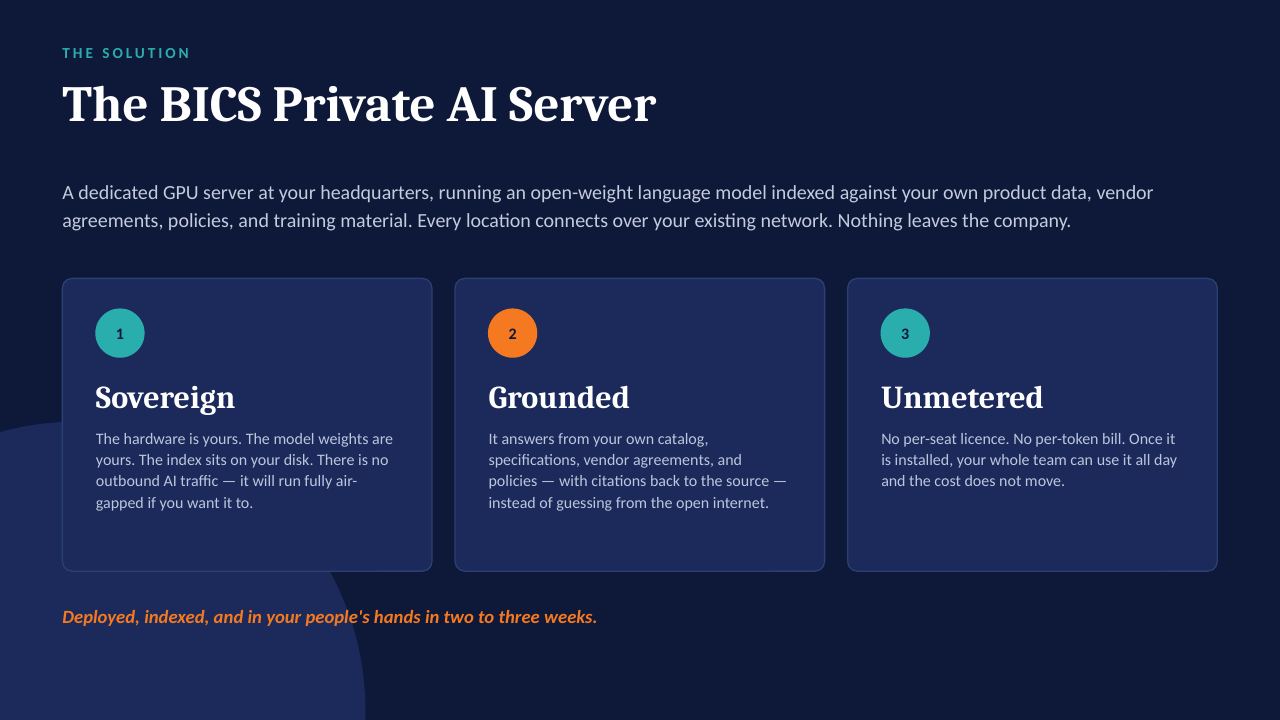
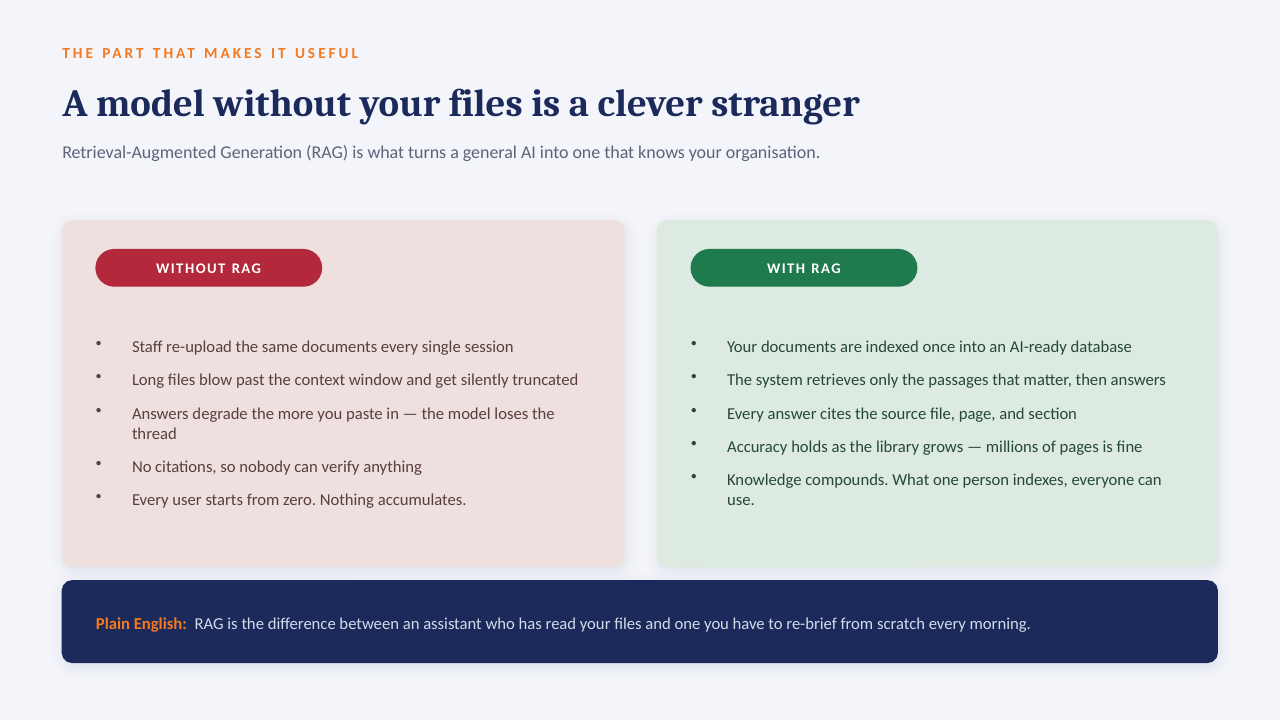
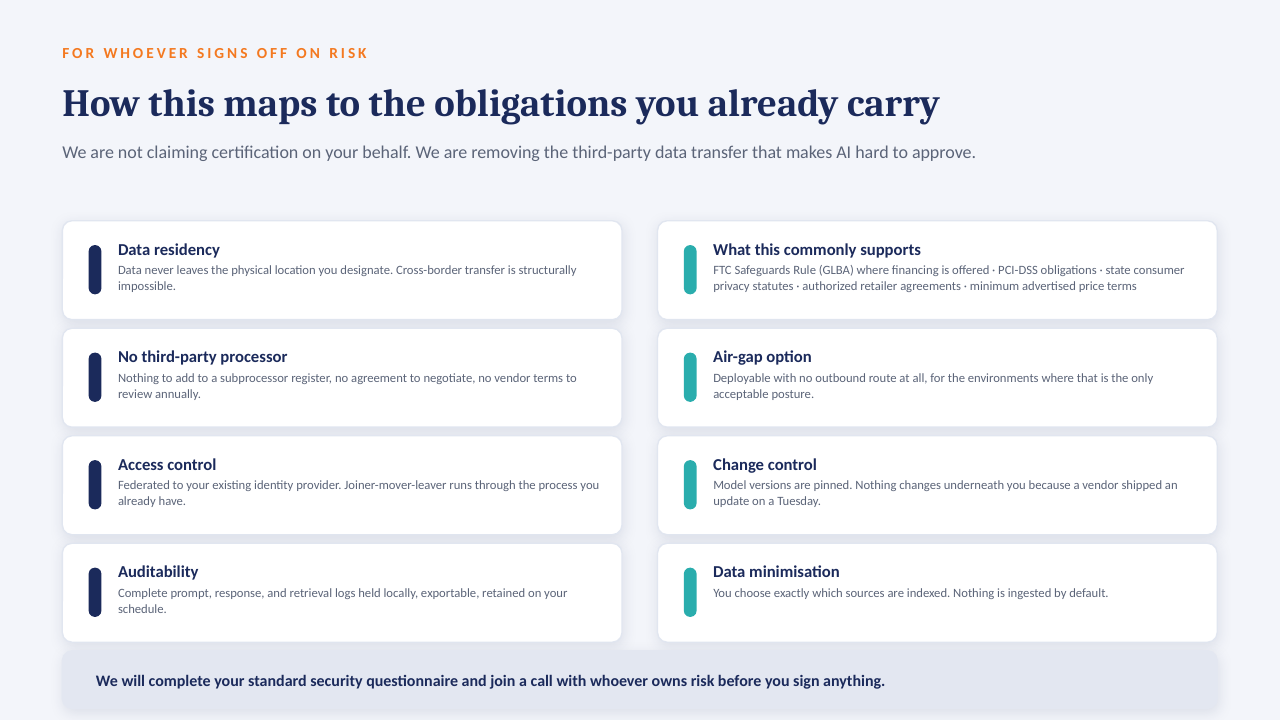
The "ask the data" panel above is built to run on a GPU server inside your own network: an open-weight model over your own documents, with every answer citing the file it came from. No per-seat licence, works offline, and nothing leaves the building.

How it sits in your environment

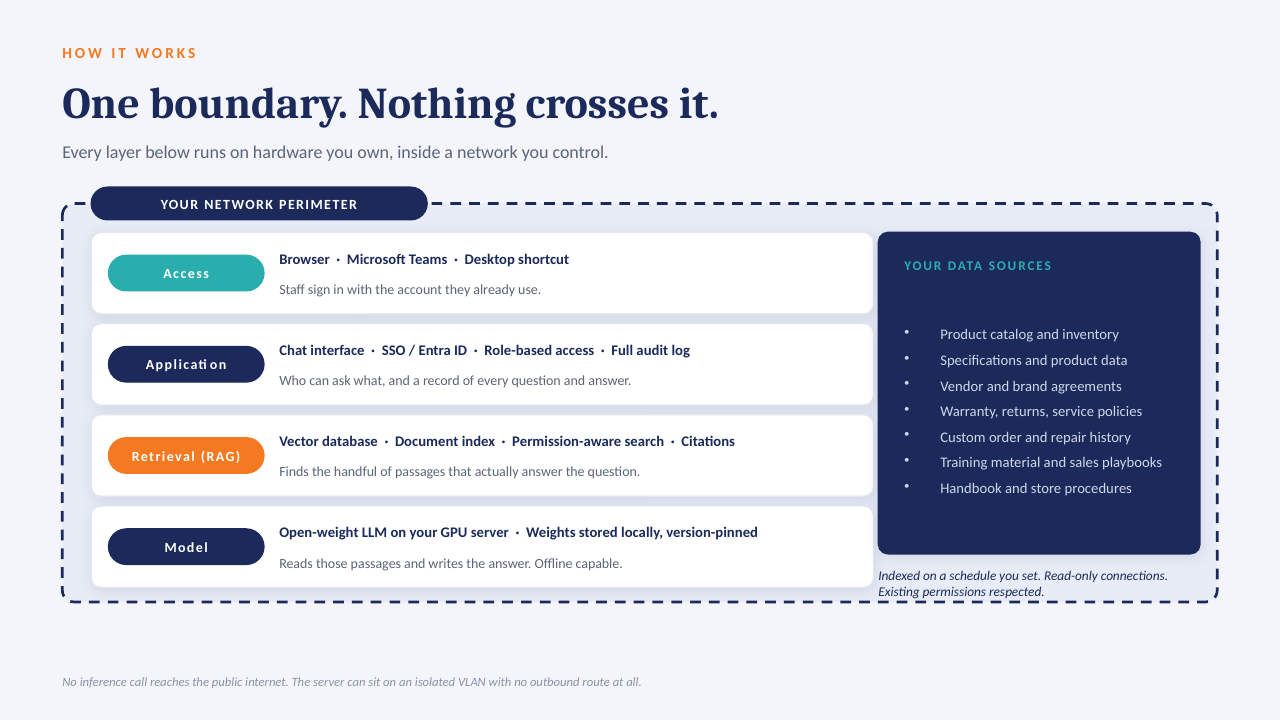
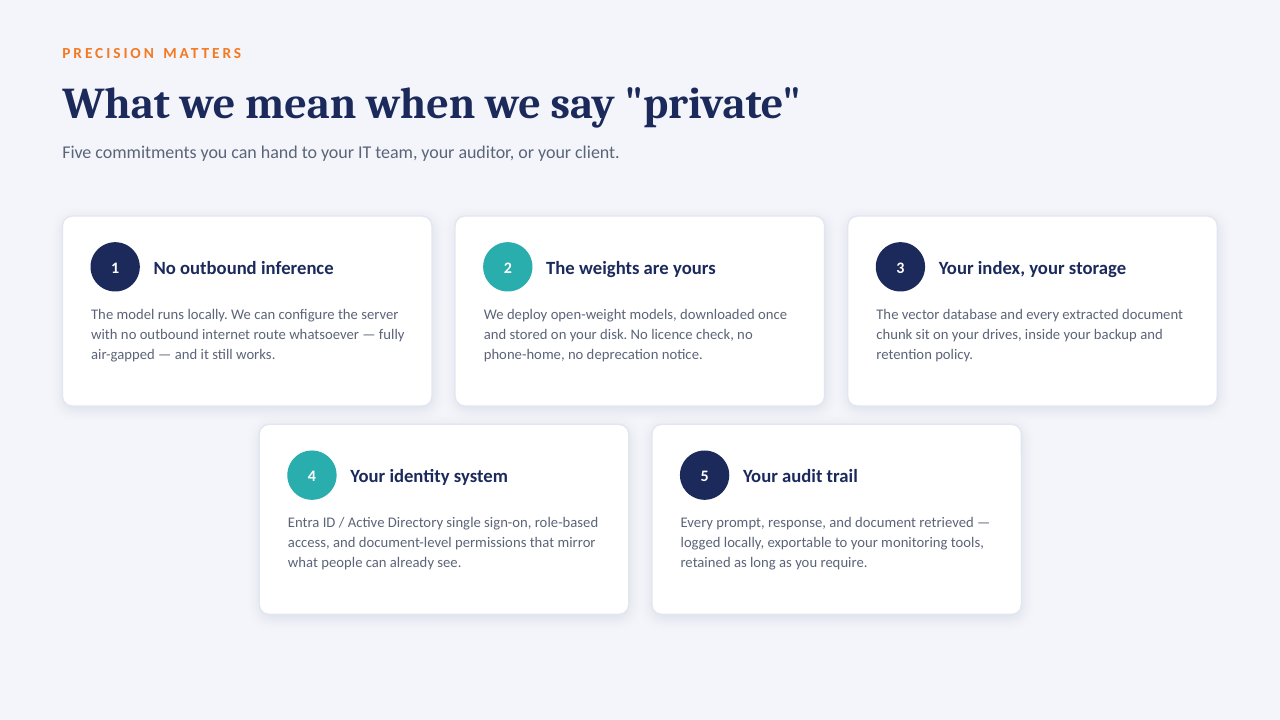
YOUR NETWORK · NOTHING LEAVES THE BUILDING Your files policies · SOPs · contracts reports · ERP exports indexed locally GPU One server, in your building open-weight model · your data only in seconds Cited answers every reply links to the source file and page no cloud AI · no third-party processor
One appliance-class server on your rack or in a secured closet. Your files are indexed where they already live; the model runs locally; answers come back with the source page attached.

What that means in practice

  1. 1
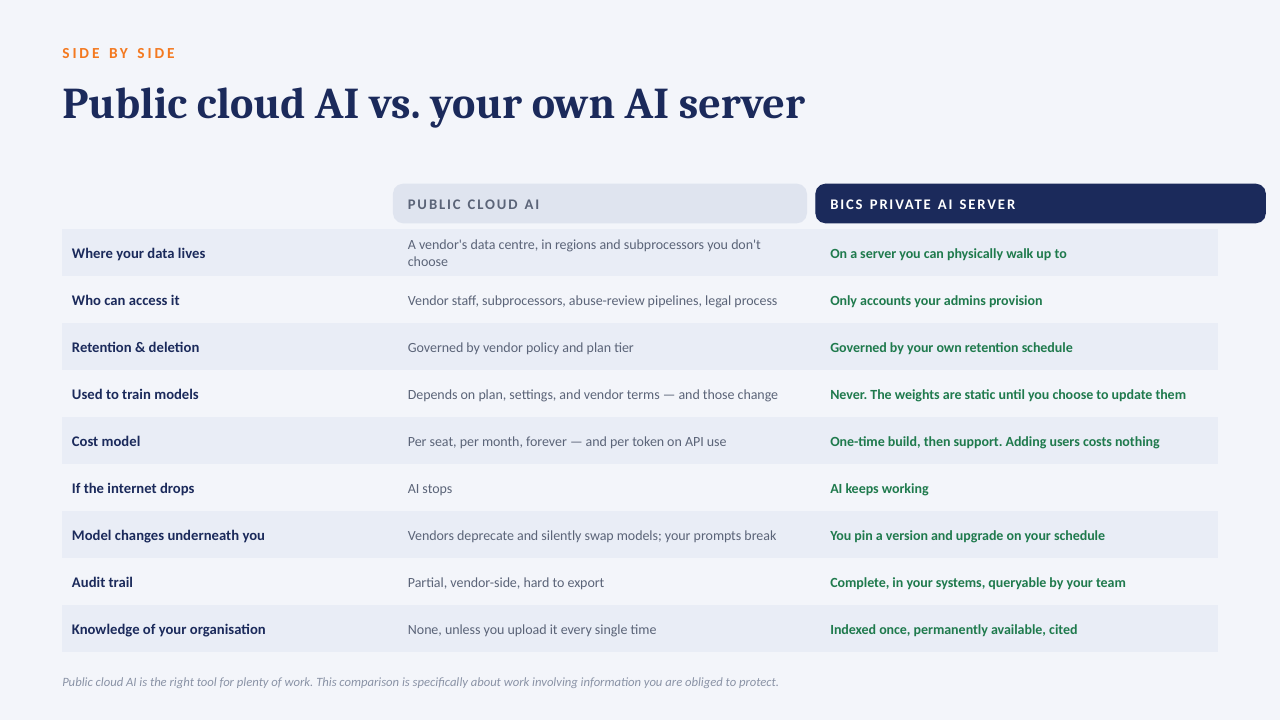
    Your data only, on your hardwareAn open model over your own documents and exports. No third-party AI processor, no data-transfer agreement to review.
  2. 2
    Every answer cites its sourceReplies point to the file and page they were drawn from, so people check the answer instead of trusting it blind.
  3. 3
    No per-seat licenceThe whole team can ask questions. Cost is the server and our build, not a monthly number that grows with headcount.
  4. 4
    Works offlineIf the internet connection goes down, the answers still come. Nothing depends on a vendor's uptime or pricing changes.

The short deck

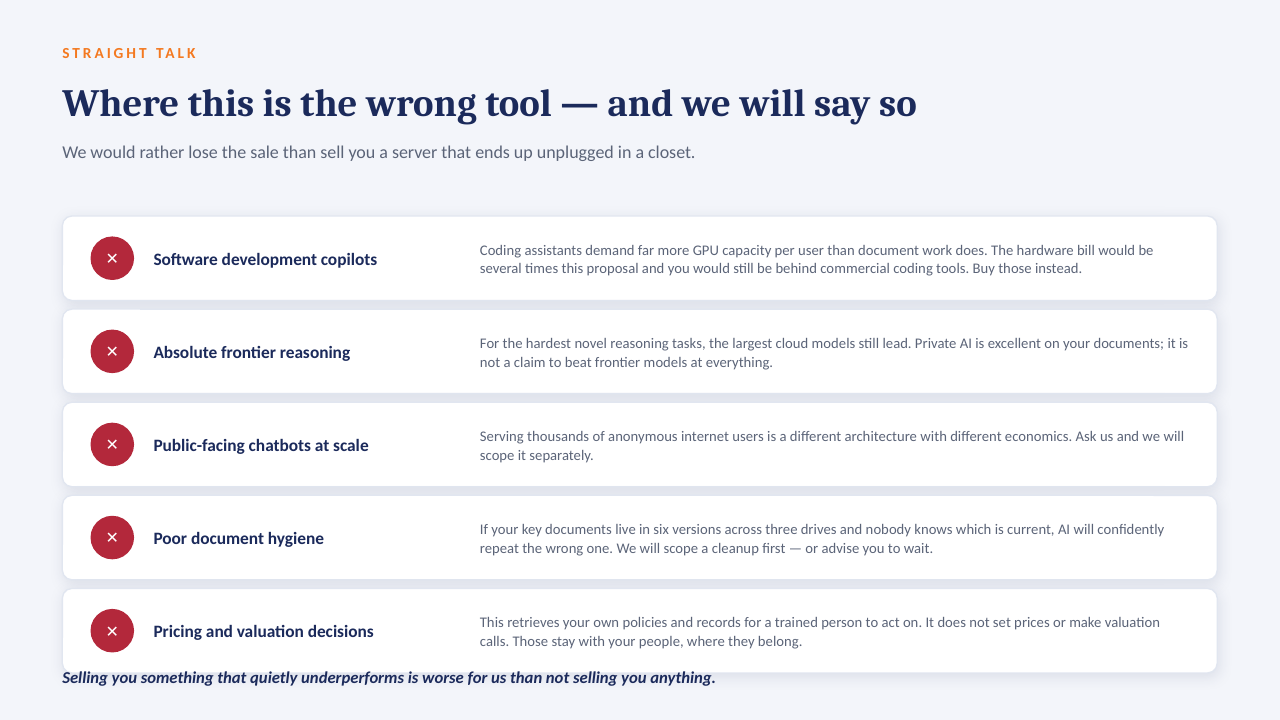
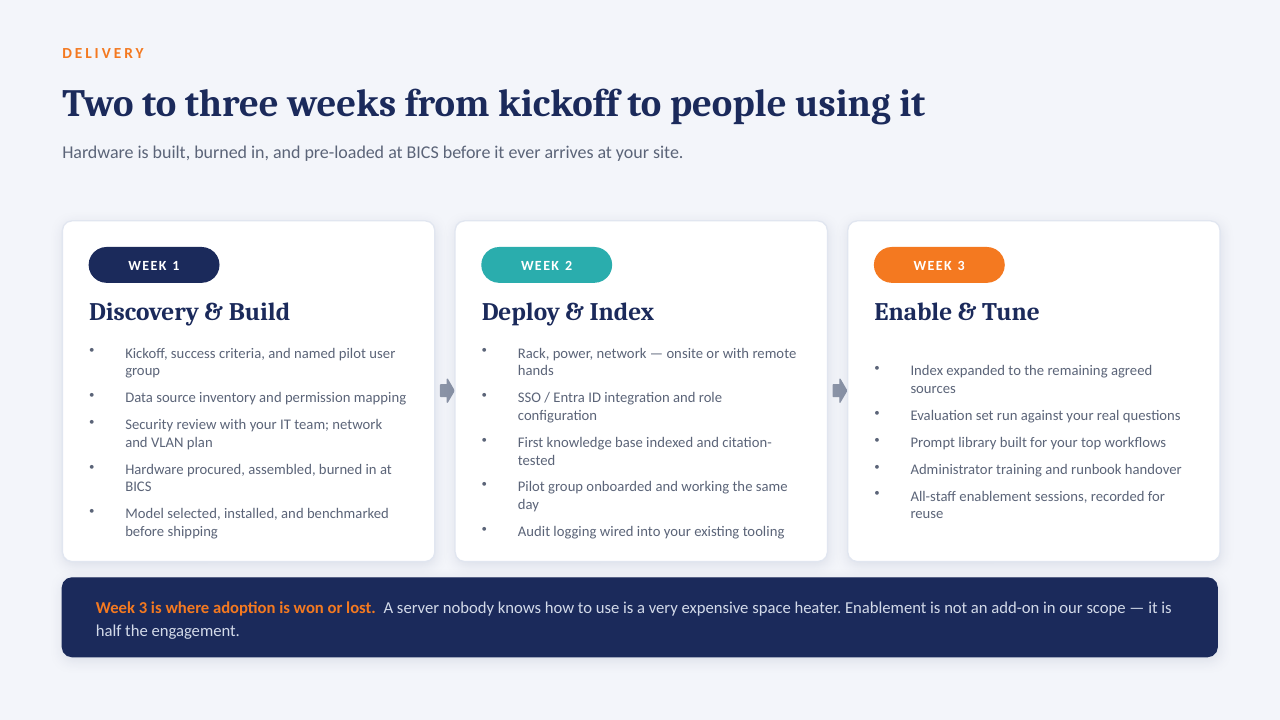
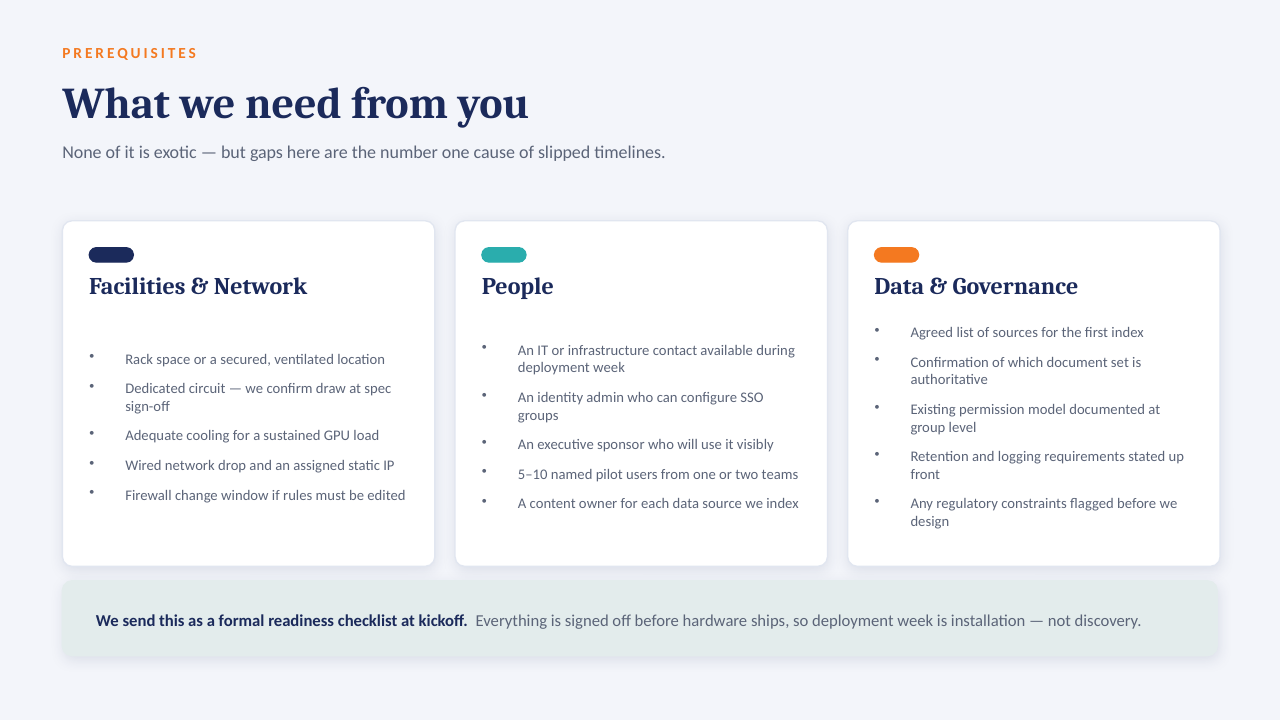
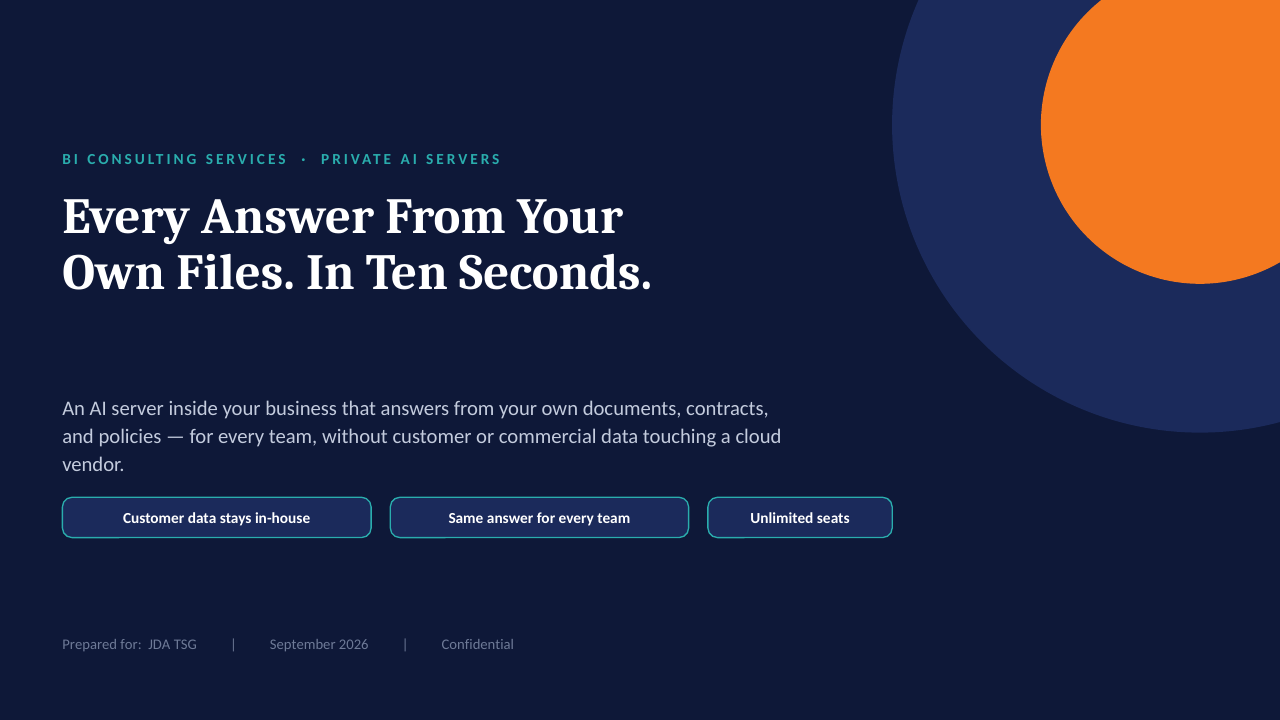
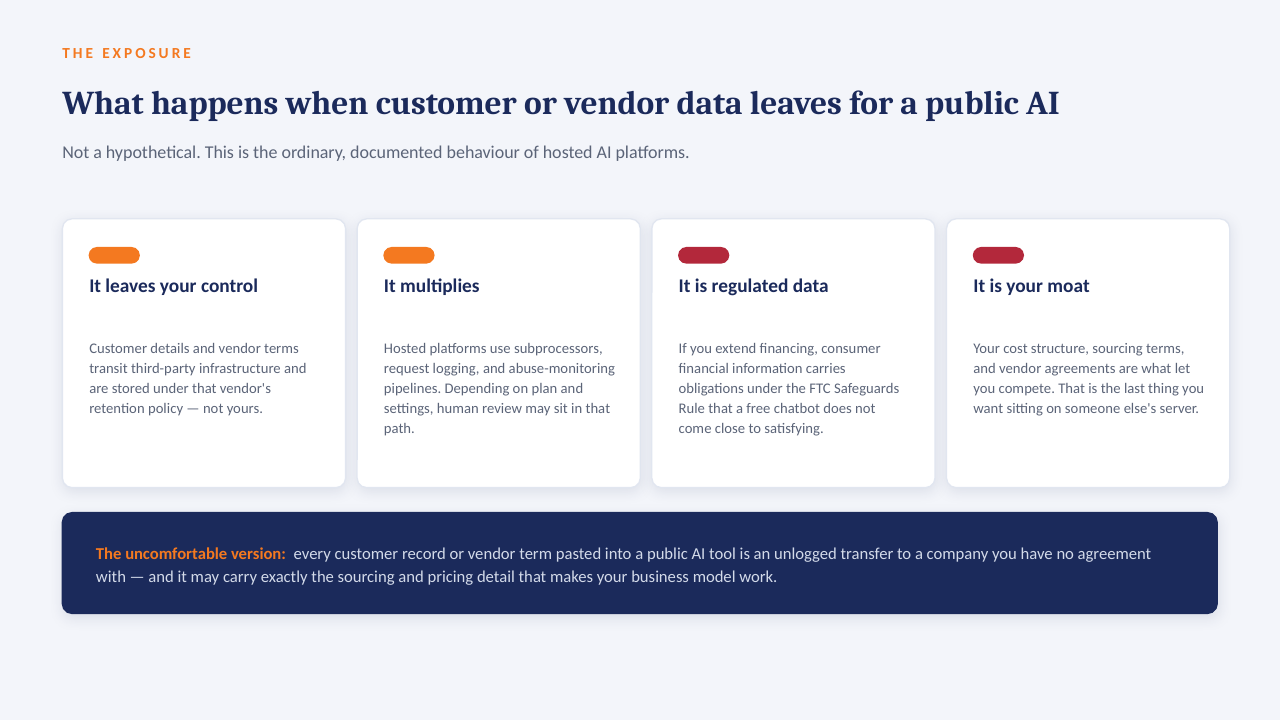
14 slides on how a private AI server is scoped, secured and rolled out. Click through, or take the PDF.

Download the PDF
Private AI on your own server — slide 1 of 14 Private AI on your own server — slide 2 of 14 Private AI on your own server — slide 3 of 14 Private AI on your own server — slide 4 of 14 Private AI on your own server — slide 5 of 14 Private AI on your own server — slide 6 of 14 Private AI on your own server — slide 7 of 14 Private AI on your own server — slide 8 of 14 Private AI on your own server — slide 9 of 14 Private AI on your own server — slide 10 of 14 Private AI on your own server — slide 11 of 14 Private AI on your own server — slide 12 of 14 Private AI on your own server — slide 13 of 14 Private AI on your own server — slide 14 of 14
1 / 14Tap or click a slide to advance · arrow keys work too

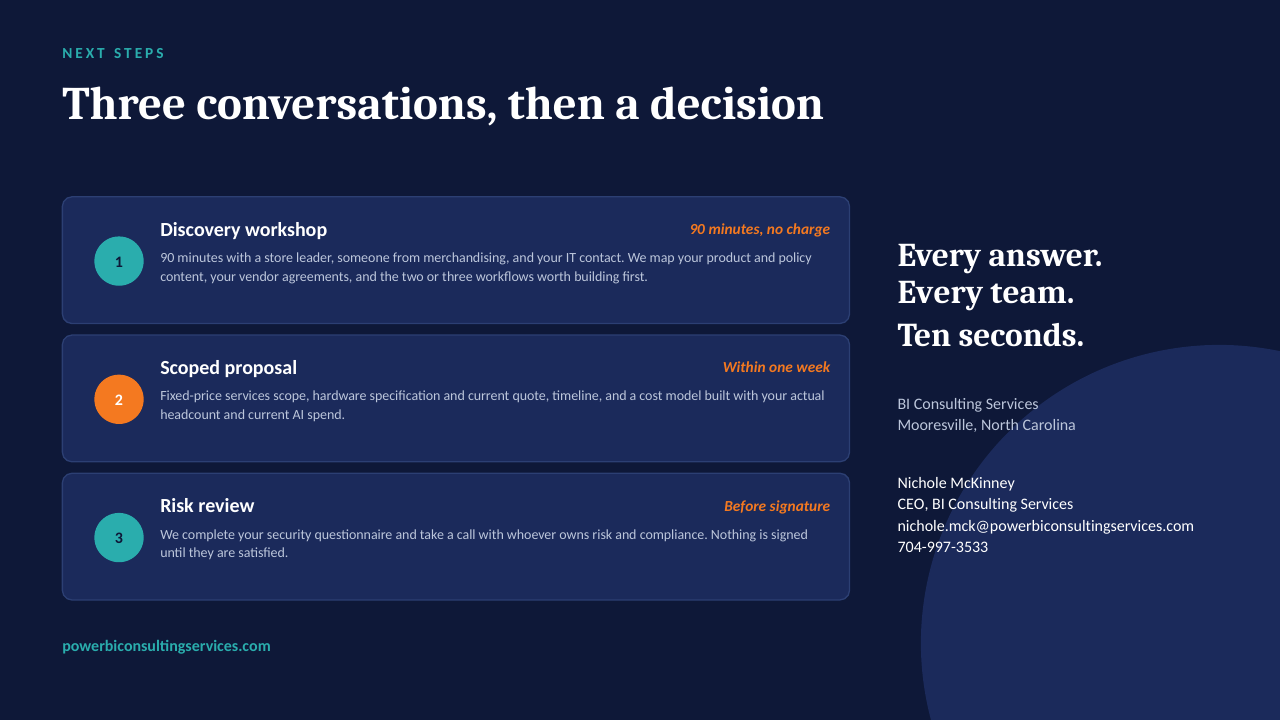
Worth a conversation? Book 30 minutes with NicholeBI Consulting Services · powerbiconsultingservices.com